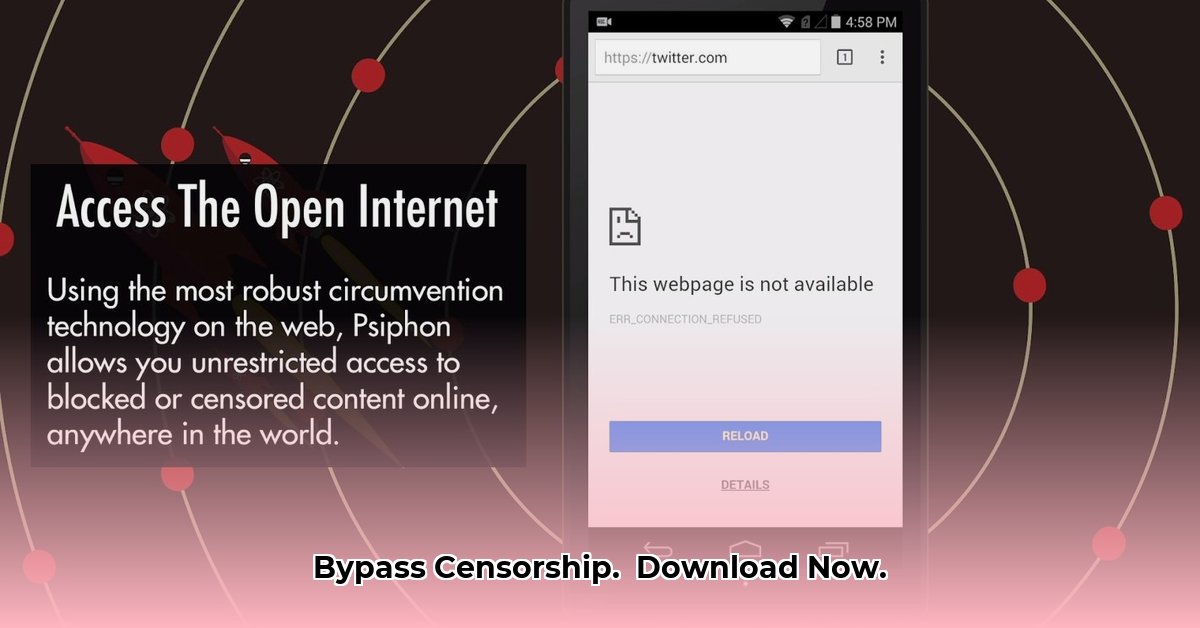
Need to bypass internet restrictions or enhance your online privacy? Psiphon3 might be the solution. This guide provides a step-by-step walkthrough for downloading and installing Psiphon3 on your Android device, along with crucial information on security, limitations, and alternatives.
Downloading and Installing Psiphon3: A Step-by-Step Guide
Downloading and installing Psiphon3 is straightforward, but following these steps ensures a smooth process:
Locate the Official Source: Go to the official Psiphon website (https://psiphon.ca/en/psiphon-guide.html). Downloading from unofficial sources risks malware. Verify the site's legitimacy through its branding and secure "https" address.
Download the APK File: Find the Android version (APK) download link. Download speeds vary depending on your internet connection. Patience is key; a slow download doesn't always indicate a problem.
Enable "Unknown Sources" (If Necessary): Your Android device might require permission to install apps from sources outside the Google Play Store. This setting is typically found within your phone's Security or Privacy settings. The exact location varies by Android version and phone manufacturer.
Install Psiphon3: Once the APK download is complete (usually in your Downloads folder), tap the file to initiate installation. Follow the on-screen instructions.
Launch Psiphon3 and Connect: Open the app after installation. You'll likely see a connection prompt. Tap the button to start Psiphon. Test the connection by visiting a website typically blocked in your region.
Troubleshooting: If you encounter download or installation issues, check your internet connection and restart your phone. Persistent problems? Consult Psiphon's support documentation or online forums.
Understanding Psiphon3: Security and Privacy Implications
Psiphon's open-source nature allows for public code scrutiny, potentially enhancing security by enabling community flaw detection and remediation. While this contributes to trust, it's not a complete guarantee of security. Keeping Psiphon updated is crucial.
Remember, using Psiphon doesn't guarantee complete anonymity. While it masks your IP address, sophisticated monitoring could still detect your online activity. Responsible usage and avoidance of illegal activities are paramount.
Regional Limitations and Alternative Solutions
Psiphon's effectiveness varies geographically. In regions with stringent internet controls, it might not function optimally. The free version may also have speed limitations; the paid "Pro" version might offer improved performance. If Psiphon proves ineffective, explore alternatives such as Virtual Private Networks (VPNs) or proxy servers. Thoroughly research any alternative before use.
Frequently Asked Questions (FAQs)
Is Psiphon safe? While generally considered safe, no tool offers absolute protection. Exercise caution and be mindful of your online activities.
How much data does it use? Data consumption depends on your internet usage. Monitor your phone's data usage settings.
What if it doesn't work? Check your internet connection and try restarting your device. Investigate alternative privacy tools, but research their reputations and functionalities carefully.
Why isn't Psiphon on the Google Play Store? Google Play Store availability depends on regional factors and Psiphon's policies. Downloading directly from the official website is the recommended and safest approach.
Responsible Internet Use
Using Psiphon to access restricted content might have legal ramifications in certain regions. Be aware of local laws and use Psiphon responsibly. Safe and ethical internet usage is fundamental.
Key Takeaways: Bypass Internet Censorship Effectively
- Psiphon uses multiple protocols (VPN, SSH, HTTP Proxy) to circumvent censorship, offering multiple layers of protection.
- Its open-source nature fosters transparency and community-based security checks.
- Effectiveness varies based on the sophistication of censorship technologies employed in different regions.
- Responsible usage and awareness of limitations are critical for safe and effective use.
- Alternative tools exist; selecting the appropriate tool hinges on individual needs and regional restrictions.
⭐⭐⭐⭐☆ (4.8)
Download via Link 1
Download via Link 2
Last updated: Monday, May 05, 2025